Built for the big screen
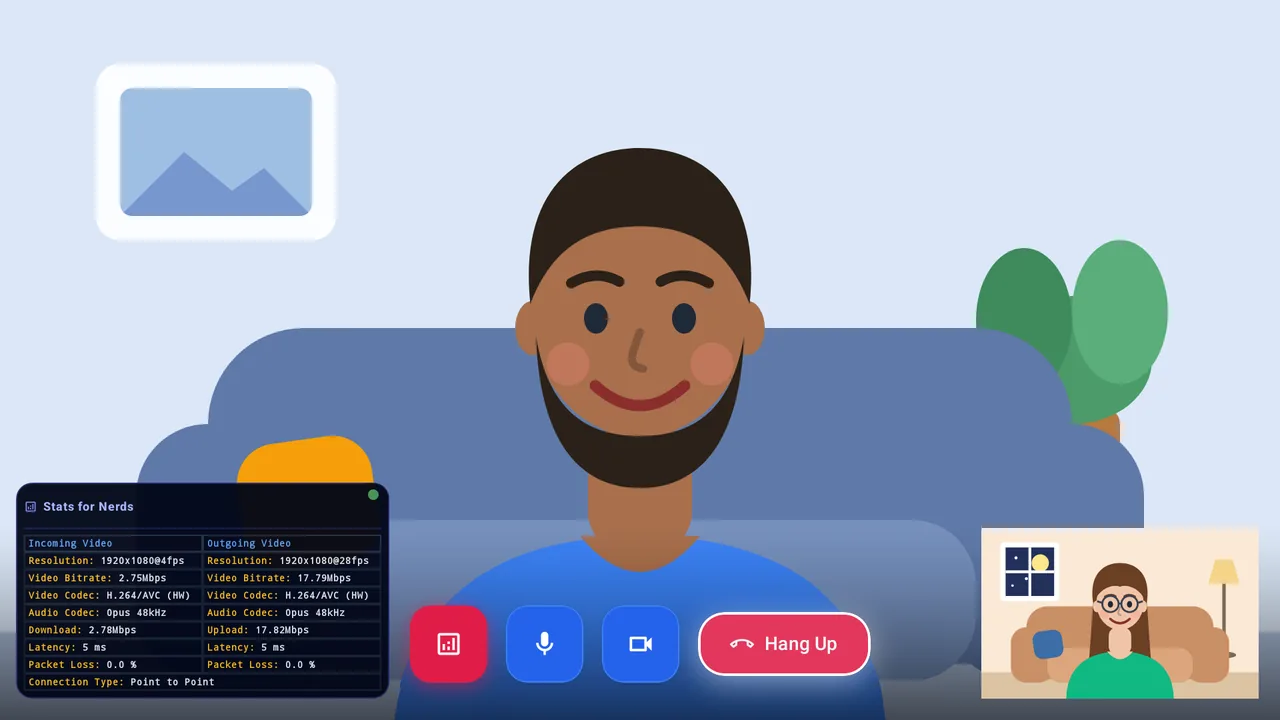
Sharp video with hardware acceleration when your device supports it (AV1, H.264 and H.265), so calls look great on a TV.
Mitmi is a video calling app made for the TV, to close the distance between you and the family who live far away or the friends you don't get to visit often. An independent project: no ads, no analytics, no tracking.
Why Mitmi
Everything is designed to be used with a TV remote, on the biggest screen you own.
Sharp video with hardware acceleration when your device supports it (AV1, H.264 and H.265), so calls look great on a TV.
Video and audio travel directly between devices using WebRTC with SRTP/DTLS encryption, keeping third parties out.
No audio or video is ever stored on a server. Your call exists strictly while it is happening.
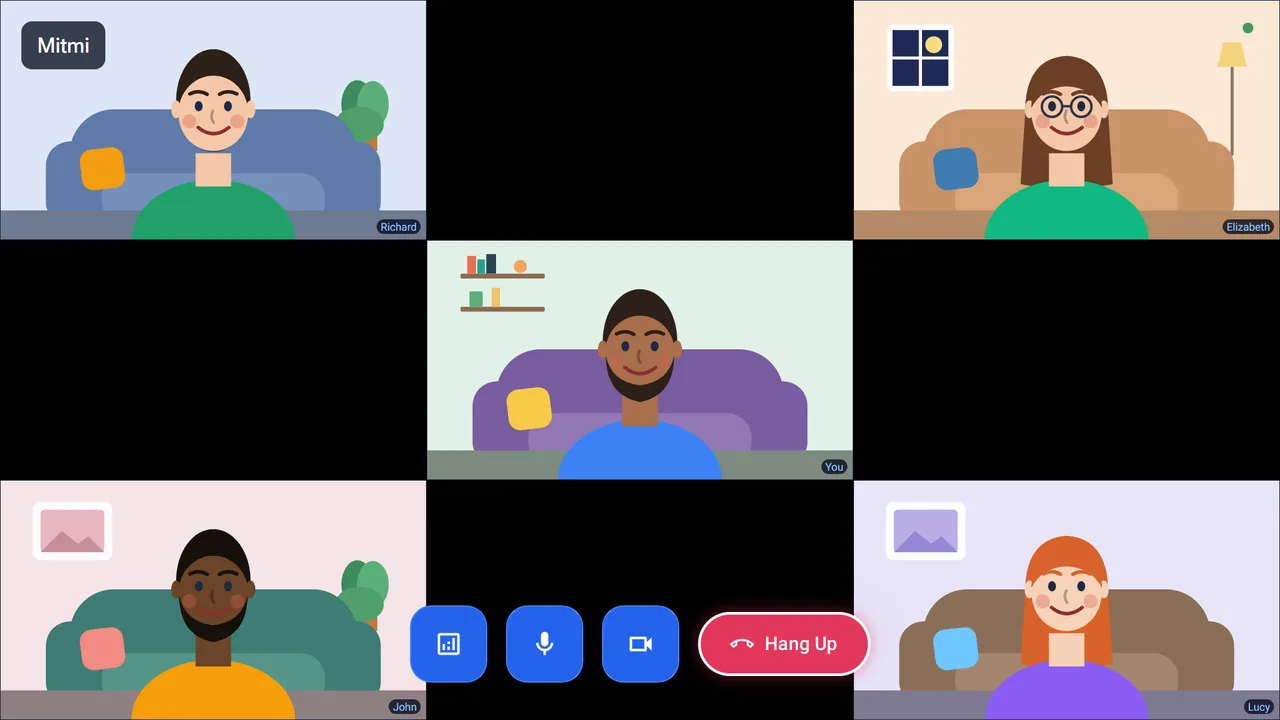
Bring family and friends together: up to five people in one call, you plus four others.
Video starts at your camera's real maximum resolution and adjusts to live network conditions, so quality bends instead of freezing or dropping the call.
Everyone on Mitmi has a unique handle, like @living_room, that the people you care about use to find and call you.
How it works
No accounts to juggle. Set up once on your TV and you are ready.
Set up your profile on the TV. Your @handle (for example @living_room) is how the people you care about find you.
Ask for their @handle and save them in Contacts, or type it in Search to call right away without saving.
Pick a contact and start a video or voice call straight from your remote, one-to-one or with a group.
Your privacy
Mitmi is an independent project with no company behind it. Here is what that means in practice.
Questions
Mitmi is built for Android TV and Google TV devices running Android 10 or later.
No. Mitmi is free of charge and has no advertising.
Usually yes: devices find each other and connect directly. When a direct connection is not possible (common on mobile networks), a relay (TURN) server can carry the call. Mitmi does not set one up by default; in Settings you can configure your own with a supported provider or point the app at a server you host.
Up to five people in total: you plus four others.
Yes, in part. On your TV, open Settings › Devices and revoke the device: this erases everything stored on that device and removes it from the server, including its verification data. Once all your devices are revoked, the server keeps nothing about you except your @handle (and a short-lived anti-abuse record described in the Privacy Policy). The @handle stays reserved on the server for 6 months, to prevent abuse and impersonation (so nobody else can take it while your contacts still have it saved), and is then deleted for good, after which anyone can register it. During those 6 months it can’t be freed from within the app or recovered with a backup. Your call history, contacts and groups only ever lived on your device, so they disappear with it. The Privacy Policy explains this in full (section 10). Questions? Write to mitmi-app@outlook.com.
Mitmi is an independent, non-commercial project. Questions or feedback? Write to mitmi-app@outlook.com.
Free and ad-free, for Android TV and Google TV devices running Android 10 or later.